Creating a home that feels comfortable, functional, and future-ready can feel overwhelming—especially with so many design trends, tech upgrades, and DIY ideas competing for your attention. If you’re searching for practical guidance on home fundamentals, modern décor inspiration, or how to build a connected smart home setup, this article is designed with you in mind.
We break down what truly matters: how to design spaces that reflect your style, improve everyday efficiency, and integrate smart solutions without unnecessary complexity or cost. From foundational layout tips to approachable DIY improvements and seamless tech integration, you’ll find clear, actionable insights you can apply right away.
Our recommendations are grounded in hands-on research, real-world testing, and proven home improvement principles—so you can move forward with confidence. Whether you’re refreshing a single room or upgrading your entire living space, this guide will help you make informed, practical decisions that elevate your home.
Building a Home That Actually Talks Back
Most guides stop at gadgets. We start with architecture. Fragmentation happens when devices share Wi-Fi but not intent. That is where a connected smart home setup becomes essential. Our edge is focusing on interoperability standards competitors rarely explain.
- Choose a central protocol (Matter or Zigbee) before buying anything.
- Map automations by routine, not room.
- Create fail-safes so lights still work manually.
Reliability beats novelty every time.
Some argue ecosystems like Apple or Google lock you in, simplifying choices. They are right about convenience. But open standards future-proof your investment (think VHS vs. streaming). Pro tip: hardwire hubs for maximum stability and faster response.
What Is a Home Automation System?
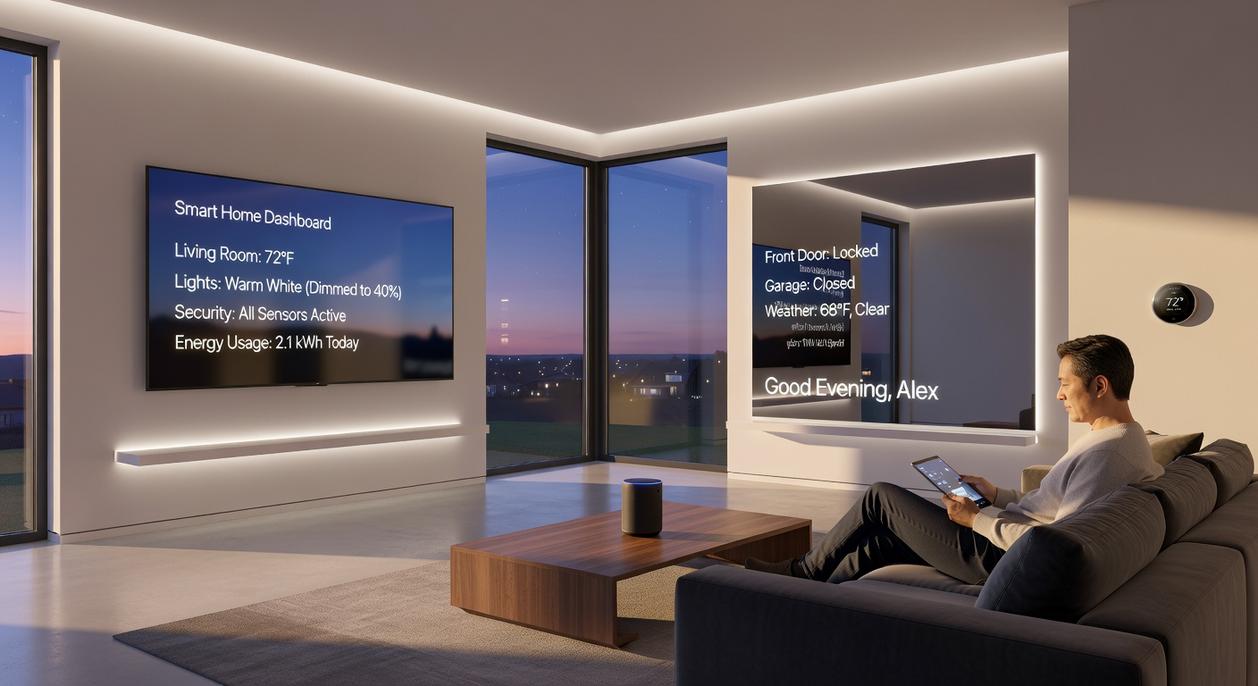
A home automation system is the central network—the “brain”—that lets your smart devices talk to each other and act together. Think beyond a lone smart plug. It’s coordination, not just control.
Here’s the key difference: instead of opening an app to switch off a bulb, you say “Goodnight” and your lights dim, thermostat adjusts, and doors lock. That synchronized action is powered by scenes and routines. A scene is a preset mood or setup (like “Movie Night” lowering blinds and turning on the TV). A routine is cause-and-effect logic—IF this happens, THEN that follows.
Some argue standalone devices are enough—and for small spaces, they might be. I’ll admit, not every home needs a fully connected smart home setup. But without automation logic, you’re still the middleman (and who wants that job at 11 p.m.?).
A true system responds to you—sometimes before you even ask.
The Three Pillars of a Smart Home: Hubs, Devices, and Platforms
A smart home works best when three core elements function together seamlessly: the hub, the devices, and the platform. Think of it like a body—the brain, the senses and limbs, and the control panel that lets you interact with everything.
Pillar 1: The Hub or “Brain”
The hub is the central controller that connects and automates your devices. This can be a dedicated hardware hub like Hubitat (a physical box that manages automations locally) or a software ecosystem like Apple HomeKit, Amazon Alexa, or Google Home.
Hardware hubs often offer faster local control and better privacy (since data stays in your home). However, they can require more setup. Software ecosystems, on the other hand, are easier to start with and integrate smoothly with popular products—but they may rely more on cloud services. If reliability matters most, a dedicated hub can be worth it. If simplicity wins, software platforms shine.
Pillar 2: The Devices or “Senses and Limbs”
Next come the devices that bring your connected smart home setup to life. These include:
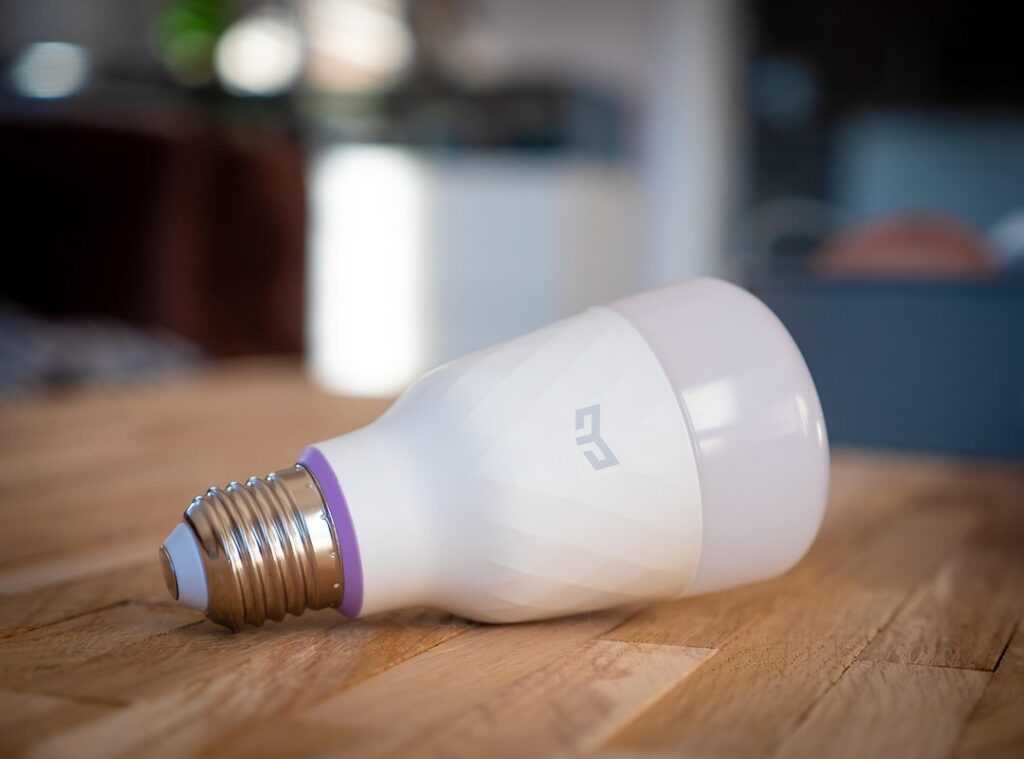
- Lighting: bulbs and switches (see the best smart lighting systems for energy efficiency: https://ththomable.com/best-smart-lighting-systems-for-energy-efficiency/)
- Climate control: thermostats and smart fans
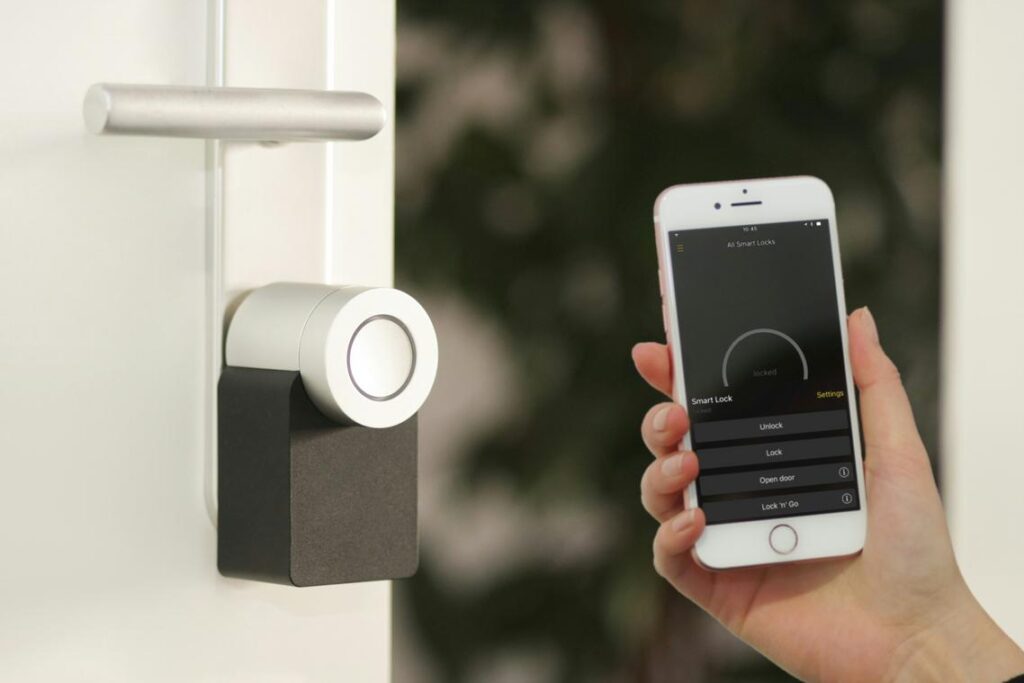
- Security: cameras, locks, motion and door sensors
- Entertainment: speakers and smart TVs
Start with one category—lighting is often easiest—then expand gradually.
Pillar 3: The Platform or “Control Panel”
Finally, you need a simple way to interact with everything. Voice assistants like Siri, Alexa, and Google Assistant let you issue hands-free commands. Meanwhile, smartphone apps provide detailed control, and physical smart switches offer reliability when Wi-Fi hiccups (because it will).
Above all, prioritize a user-friendly interface. After all, smart living should make life easier—not feel like programming the Starship Enterprise.
Choosing Your Smart Home’s Foundation: A Practical Checklist
A smart home only works if its foundation is solid (otherwise it’s just a collection of expensive gadgets blinking at you).
Compatibility Is King
Before buying anything, understand communication protocols—the “languages” devices use to talk to each other.
- Wi-Fi: Connects directly to your router. Easy setup, but too many devices can clog your network.
- Zigbee and Z-Wave: Low-power mesh networks (devices relay signals to each other). Great for stability and range.
- Matter: A newer universal standard backed by Apple, Google, and Amazon that aims to improve cross-brand compatibility (CSA, 2023).
Choosing a hub or ecosystem that supports multiple protocols gives you flexibility. You won’t be locked into one brand when you want to expand. Pro tip: Look for “Matter-compatible” labels to future-proof your setup.
Start With Your “Why”
Ask yourself: What problem are you solving?
- Security? Start with smart locks and cameras.
- Energy savings? Add a smart thermostat (ENERGY STAR reports smart thermostats can save about 8% annually on heating and cooling).
- Convenience? Smart lighting and voice assistants.
- Entertainment? Multi-room speakers and streaming hubs.
Your goal determines your first purchases—not flashy ads.
Assess Your Infrastructure
Strong Wi-Fi coverage is essential. Dead zones mean dropped connections. Consider a mesh router if your signal struggles.
Renters might prefer smart bulbs and plugs (no rewiring). Homeowners can install smart switches for a cleaner, permanent solution.
Budget and Scalability
Start small: a reliable hub and two or three devices. Test your connected smart home setup before expanding. Make sure your system allows gradual upgrades—because smart living should grow with you, not box you in.
Smart and Stylish: Integrating Automation Without Sacrificing Aesthetics
Let’s be honest: nothing ruins a beautifully styled room faster than a chunky smart plug jutting out of the wall (why are they always so bulky?). One of the biggest frustrations with home automation is the fear that your space will start looking like a tech lab instead of a sanctuary.
The fix? Invisible integration. In-wall smart switches and outlets replace existing hardware, so you keep a clean finish without adapters dangling everywhere. Recessed door sensors and low-profile motion detectors blend into trim and ceilings—guests won’t even notice them.
Better yet, let your voice do the heavy lifting. With a connected smart home setup, voice control becomes the ultimate interface, reducing the need for wall panels or constantly grabbing your phone. Fewer gadgets on display means clearer countertops and calmer spaces.
For DIY concealment, tuck hubs inside media cabinets or closets (just ensure proper ventilation to prevent overheating). Use cable sleeves or in-wall cord kits to tame messy wires. Clean tech is good tech.
Start With the Foundation
Building a connected smart home setup doesn’t require ripping out walls or buying EVERYTHING at once. The hurdle is interoperability—devices working together across brands. Some argue you should wait until standards “settle.” Fair point. With Matter, a smart home standard that lets devices communicate locally, adoption is still growing (Connectivity Standards Alliance, 2023). But waiting means missing convenience and energy savings.
Instead, choose an ecosystem—Google, Apple, or Amazon—and anchor your system there. Think of it like picking a Hogwarts house (minus sorting hat drama). Pro tip: start with lighting; it delivers impact and teaches automation basics.
Bring Comfort, Style, and Smarter Living Together
You started this guide looking for clarity on how to create a home that feels modern, functional, and uniquely yours. Now you have a clear understanding of the fundamentals—from décor inspiration and DIY upgrades to building a connected smart home setup that actually makes daily life easier.
A home that feels outdated, cluttered, or inefficient can quietly drain your time, energy, and even your budget. The good news? You don’t need a full renovation to fix it. Small, intentional improvements and smarter systems can completely transform how your space looks and works.
The next step is simple: choose one area of your home and take action today. Upgrade a fixture. Rework a layout. Start planning your connected smart home setup to streamline lighting, security, and comfort. Thousands of homeowners are already embracing smarter, more efficient living—now it’s your turn.
Don’t let your home stay “almost right.” Start your next improvement today and turn your space into a place that truly works for you.
 Evelyna Fleshericard serves as a lead editorial voice at Ththomable, where her keen eye for aesthetic balance and functional elegance shapes the platform’s décor and style initiatives. With an extensive background in contemporary interior design, she specializes in translating abstract "modern inspiration" into actionable layouts for the everyday homeowner. Evelyna’s contributions are centered on the philosophy that a home should be a curated reflection of one's personality, and she consistently provides readers with the high-end design principles and specialty insights needed to achieve a premium, sophisticated living environment.