Creating a home that feels functional, modern, and effortlessly comfortable isn’t just about following trends—it’s about understanding the fundamentals and making smart choices that fit your lifestyle. If you’re searching for practical guidance on home essentials, décor inspiration, and smarter living solutions, this article is designed to give you exactly that.
We break down the core elements that shape a well-balanced home, from foundational layout decisions to stylish updates that elevate your space without overwhelming your budget. You’ll also find actionable DIY home improvement tips and voice assistant integration tips to help you seamlessly blend technology into your everyday environment.
Our insights are grounded in hands-on research, real-world applications, and proven home improvement strategies that prioritize both function and aesthetics. Whether you’re refreshing a single room or rethinking your entire setup, this guide will help you make confident, informed decisions that turn your space into a smarter, more inspiring place to live.
Voice control is no longer optional; it is expected. For developers, product managers, and DIY builders, successful integration starts with platform choice. Alexa, Google Assistant, and Siri each offer SDKs, certification paths, and device ecosystems—benefits. However, features alone are not enough. To create a natural experience, focus on:
- Intent design—map real-world phrases to clear actions, reducing friction.
- Feedback loops—confirm commands with concise voice or visual cues.
- Security—use encryption and account linking to protect data.
In addition, test relentlessly in noisy environments; kitchens are not labs. Finally, apply voice assistant integration tips early to ensure reliability before launch.
Choosing Your Platform: Alexa, Google, or Siri?
Picking a smart assistant platform isn’t just technical—it’s strategic. And honestly, I have opinions.
1. Analyze the Ecosystems
Amazon Alexa still dominates U.S. smart speaker market share (Statista, 2024), which makes it tempting if you want reach. Google Assistant, in my experience, wins on conversational AI—its natural language processing feels smoother and more context-aware (Google AI Blog). Siri, tied to Apple HomeKit, takes a privacy-first stance, processing more data on-device (Apple Privacy Report). If your product depends on user trust, that matters.
2. Define Your Target Audience
This is where many teams overthink things. If your users are Prime subscribers with Echo devices everywhere, Alexa is obvious. Android-heavy audience? Google. Apple loyalists who wear an Apple Watch to bed (you know the type)? Siri. Platform alignment reduces friction and boosts adoption.
3. Consider the Developer Experience
Alexa Skills Kit is robust but can feel complex. Google’s tools are flexible but evolving. Apple’s environment is polished—yet restrictive. A smoother SDK means faster iteration (and fewer late-night debugging sessions).
4. Future-Proofing
Ask who’s investing in ambient computing and AI upgrades. Google seems aggressive here. Pro tip: Use voice assistant integration tips early in prototyping, not post-launch.
Personally? I’d choose the platform your users already trust.
Designing a Seamless Voice User Interface (VUI)
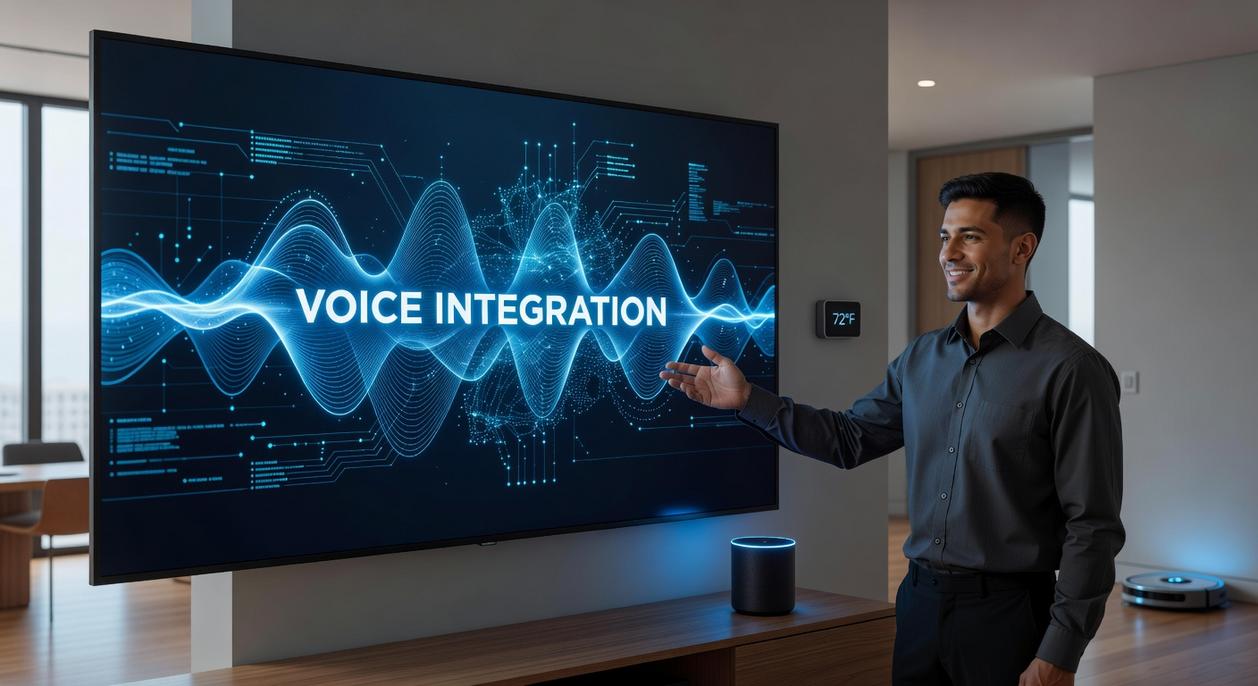
A great Voice User Interface (VUI)—the system that lets users control devices through spoken commands—should feel less like programming and more like conversation. As one smart home owner put it, “I don’t want to memorize commands. I just want to talk.” That’s the goal.
Crafting Intuitive Commands
An invocation is the phrase that wakes the assistant (“Hey device”), and an utterance is the actual command (“Turn on the lights”). Keep both simple and natural. Avoid technical jargon like “initiate illumination protocol.” No one talks like that (unless they’re role‑playing Star Trek).
For example:
- “Turn the fan on.”
- “Dim the lights to 50%.”
- “Lock the front door.”
If you’re exploring how this fits into a broader ecosystem, review how to build a fully connected smart home.
Graceful Error Handling
Misunderstandings will happen. A user once said, “I told it to turn on the heat, and it started playing music.” That’s not charming—it’s frustrating.
Plan for recovery with clear prompts:
“I’m sorry I didn’t get that. Can you tell me again whether to turn the device on or off?”
Vary responses so they don’t sound robotic. According to Nielsen Norman Group, helpful error recovery improves usability and trust (NNG, 2022).
The Power of Feedback
Users need confirmation. Combine:
- A short chime (audio cue)
- A blinking light (visual cue)
This reassures users their request worked.
Mapping Conversation Flows
Use flowcharts to map one‑shot and multi‑turn dialogues. Ask, “What happens next?” at every step. Use voice assistant integration tips in the section once exactly as it is given. Pro tip: test flows with real users before launch.
Key Technical Hurdles and How to Clear Them
Hardware Matters More Than You Think
Everyone loves to say, “Software is everything.” That’s only half true. Hardware quietly determines whether your voice experience feels magical or maddening. Microphone arrays—multiple microphones working together—enable far-field voice recognition, meaning a device can hear you from across a noisy room. Without them, your assistant becomes that friend who says “what?” every five seconds (not a great look for smart living).
Processing power is just as critical. On-device command interpretation—where the device processes requests locally instead of sending them elsewhere—reduces lag and keeps basic commands snappy. If your lights take three seconds to turn on, users notice.
Cloud vs. Local Processing
The common belief? Cloud processing is always better because it’s more powerful. Not so fast.
Cloud systems offer scalability and flexibility, tapping into vast computing resources (Amazon Web Services reports millions of active customers leveraging cloud scalability, AWS, 2023). But they introduce latency and privacy concerns.
Local processing delivers faster response times and enhanced privacy since data doesn’t always leave the device. The trade-off is limited computational muscle.
Pro tip: Hybrid models often win—handle simple commands locally and escalate complex ones to the cloud.
Authentication and Security
OAuth 2.0—an industry-standard authorization framework (IETF, 2012)—helps securely grant access without exposing passwords. Strong encryption and multi-factor authentication aren’t “nice-to-haves.” They’re baseline expectations.
Rigorous Real-World Testing
Lab conditions lie. Background noise, accents, and phrasing variations break fragile systems. Test in kitchens, garages, and echo-filled hallways.
voice assistant integration tips
Because if it only works in silence, it doesn’t really work.
Advanced features create a true “wow” factor when they feel effortless. First, contextual awareness means the system remembers the subject of your last command. Say, “Turn on the light,” then, “Set it to 50%,” and it understands that “it” refers to the same light. In other words, no repeated wake word. Next, personalization uses data patterns to learn preferences, like dimmer evenings or morning playlists. Meanwhile, proactive engagement allows suggestions based on time or location, with permission. Some worry this feels intrusive; however, clear settings and smart voice assistant integration tips keep control in your hands. Always prioritize transparency first.
Your next move in voice-enabled innovation is simple: start small. This guide made one thing clear—success depends on prioritizing the user experience above all else. Some argue you should launch big, pack in features, and iterate later. But that approach often creates clunky, robotic exchanges that frustrate users. Instead, prototype a single, core function and refine it into a fluid, natural conversation. Carefully select your platform, design your VUI with intent, and anticipate technical hurdles. Gather feedback early, often, and let real-world interaction guide development. Revisit proven voice assistant integration tips as you iterate. Progress, not perfection, wins here consistently.
To ensure your voice assistant functions seamlessly throughout your home, consider checking out Livpristhouse Home Maintenance By Livingpristine for essential tips on optimizing your environment for smart technology.
Bring Your Smart Home Vision to Life
You came here looking for practical ways to upgrade your home with smarter, more efficient solutions—and now you have the roadmap to do it. From foundational setups to modern décor integrations and actionable DIY improvements, you’ve seen how the right strategy can turn everyday living into a seamless smart experience.
But here’s the truth: a disconnected setup leads to frustration, wasted money, and tech that never quite works the way it should. That pain point—devices not syncing, systems feeling complicated, and features going unused—is exactly what smart planning eliminates.
Now it’s time to act. Start implementing these voice assistant integration tips, optimize your current devices, and upgrade the areas of your home that create the biggest daily friction. Thousands of homeowners are already transforming their spaces with proven smart living strategies—don’t get left behind.
Take the next step today: review your current setup, identify one improvement you can implement this week, and begin building a home that works for you—not the other way around.
 As the primary technical strategist for Ththomable, Chasevsic Rieder focuses on the intersection of smart technology and domestic efficiency. He is responsible for demystifying complex home automation systems and providing the DIY improvement tips that allow users to modernize their infrastructure without unnecessary stress. Chasevsic’s expertise ensures that "smart living" is accessible and reliable, offering a tactical approach to home fundamentals that prioritizes performance and long-term optimization. His work empowers the community to build smarter, more responsive homes through precise, expert-backed guidance.